
Guides
Order-by-order Build and Conquer guides: first buildings, the 250 population rush, utility networks, military unlocks and war survival for the Roblox beta.
Introduction
Guides are the backbone of Build and Conquer Wiki. Build and Conquer is a Roblox strategy sandbox where a bare plot must become a functioning nation: housing feeds population, utilities keep that housing alive, shops and factories fund the treasury, and only then can a military tree open. The game is still in V0.1 beta, so the guide track below is ordered around the stable core loop — place housing, connect roads, water and power, reach 250 population for city level 2, then pivot into guns, soldiers and missiles. Each guide focuses on one decision point where new players stall: running out of money, misreading population thresholds, building an army the treasury cannot feed, or leaving cities naked under missile pressure. Follow the order below and the rest of this wiki — tier lists, building breakdowns, economy math — slots cleanly into place.
Guide Track at a Glance
| Guide Track | Focus | Best For | Key Gate |
|---|---|---|---|
| Beginner Path | Core loop and first buildings | First hour players | Avoid early bankruptcy |
| City Levels | Population thresholds 1–5 | Progression planning | 250 population = level 2 |
| Economy Basics | Income buildings and taxes | Treasury stability | Fund military upkeep |
| Military Intro | Soldiers to first missile | First wars | City level 2 unlock |
| Defense & Survival | Air defense and bunkers | Mid-late game servers | Missile pressure |
Guide Path Breakdown
First 30 Minutes
Bare plot → functioning town
250 Population Rush
The level 2 gateway
Utility Networks
Roads, water and power
Military Pivot
City level 2 → first strike force
War Survival Basics
Staying alive under fire
Core Mechanics
The guide system in Build and Conquer mirrors the game’s own gating. Every major system sits behind a city level or population threshold, so the mechanics of progression are really the mechanics of resource flow: housing produces population, population enables workers and taxes, taxes fund buildings and research, and research unlocks the military tree. A guide that ignores any link in that chain produces a player with buildings they cannot staff or soldiers they cannot feed. The strongest community-documented loop is deliberately narrow — dense mid-rise apartments for population, commercial blocks for income, utilities stretched just far enough to keep everything running, then a hard pivot at city level 2 into military production. Guides on this wiki follow that loop and flag every step where beta patches have changed the numbers, because steel acquisition and drone balance in particular have already shifted since launch.
Advantages
Following a structured guide track beats improvising in Build and Conquer for one reason: mistakes compound. Early overspending on military upkeep drains the treasury exactly when city upgrades need funding, and reworking a badly zoned city costs more than planning it well. The ordered path — housing, utilities, income, level 2, military — keeps every purchase funding the next unlock instead of fighting it. Guides also compress research time: the 250 population threshold, the eight-guns-per-squadron conversion, and the SRBM-to-Hypersonic quest structure are facts the community verified over weeks of beta play. New players following them skip the dead ends that other nations learned the hard way, and reach a defendable war footing before neighbors start probing their borders.
Challenges
No guide can fully outrun a live beta. Build and Conquer shipped as V0.1 and the developers warn to expect bugs and balance swings; steel acquisition was corrected in a recent patch, and drones received their own content pass. Numbers quoted from creator videos — apartment population values, interceptor caps – are community-reported rather than datamined, so treat them as directional until you verify them in your own server. Server context also matters: an alliance-heavy server punishes greedy economic builds, while quiet servers reward pure booming. The weakness of any static guide is that it cannot see your map; the mitigation is this wiki’s habit of labeling confidence levels and dating every figure to the V0.1 era.
Frequently Asked Questions
What should I build first in Build and Conquer?+
How long does it take to reach city level 2?+
Should I follow guides during the beta if numbers keep changing?+
What is the most common beginner failure?+
Quick Tips
Treat the 250 population threshold as your first real boss. Everything before it is tutorial setup; everything after it opens guns, soldiers and the military tree. If you are stuck, the problem is almost always housing density or uncovered utilities, not combat. Open your coverage maps before you open the unit menu, and the gate usually falls within one apartment wave.
Place roads along grid lines before you place buildings. Retrofitting roads through a finished district wastes money and space, and any building without road access sits idle while still costing maintenance. A five-minute layout plan saves an hour of rework later — sketch the grid, run utilities along the same lines, then fill blocks with housing and commerce.
Keep a treasury buffer between military waves. Fund soldiers, let income recover, fund the next tier — never let upkeep outrun the supermarkets and malls that pay for it. An empty treasury stops construction faster than any enemy raid, and a nation that cannot afford its own army usually loses the war it started.
Label your mental model of every figure: verified (like the 250 population gate) versus community-reported (like apartment population values). Beta games move fast, and knowing which numbers are load-bearing keeps your planning honest when patches land. When a patch ships, re-verify the community-reported column first — the verified core rarely changes, but the supporting numbers often do.
Featured
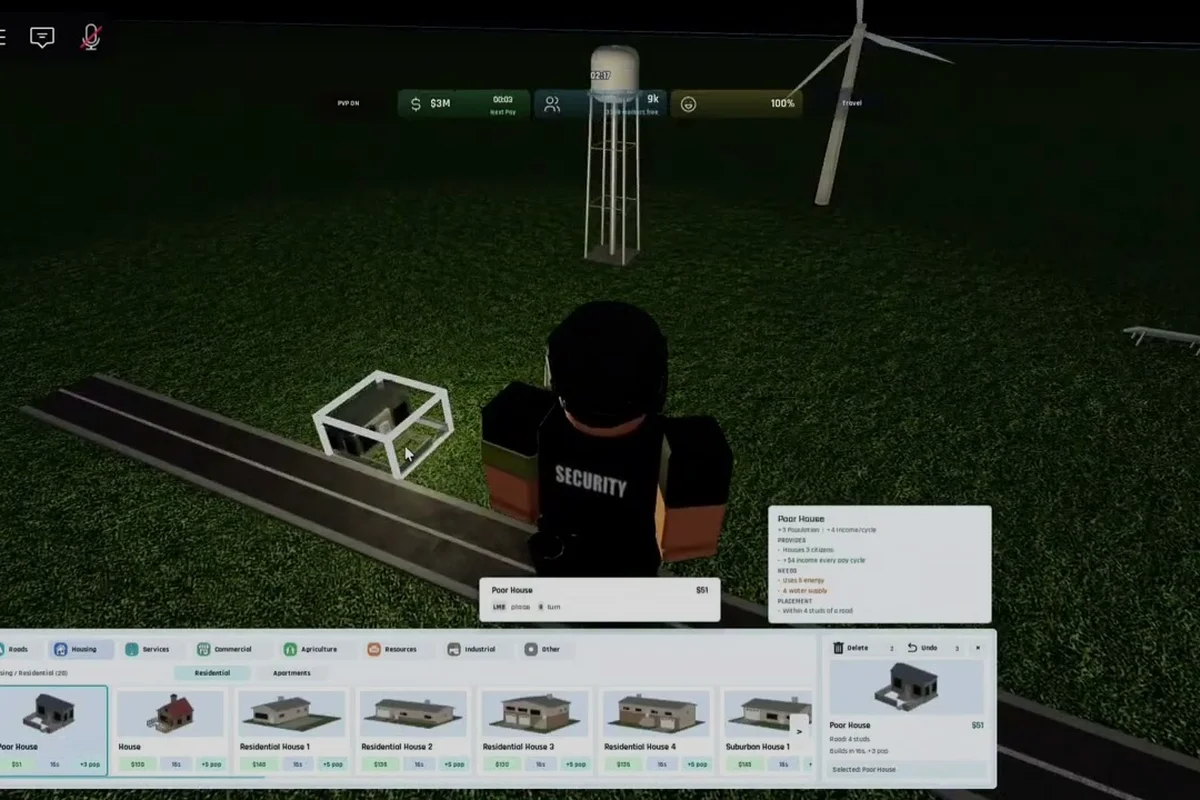
Build and Conquer Beginner Guide: Start, Grow, and Win
Start your Build and Conquer beginner guide journey by placing mid-rise apartments, reaching 250 population, and unlocking city level 2 in the V0.1 beta.

Build and Conquer How to Build Your First City: Starter Plan
Start your Build and Conquer how to build your first city guide with starter housing, road and power setup, and the 250-population milestone that unlocks level 2.
Build and Conquer Beginner Mistakes That Stall Your First City
Avoid the Build and Conquer beginner mistakes that wreck your economy, from skipping roads, water, and power to stockpiling money before you build a military base.
All Articles
Build and Conquer How to Win Against Other Nations in War
Learn Build and Conquer how to win against other nations by hitting city level 2, protecting your population, and striking with missiles during the V0.1 beta.
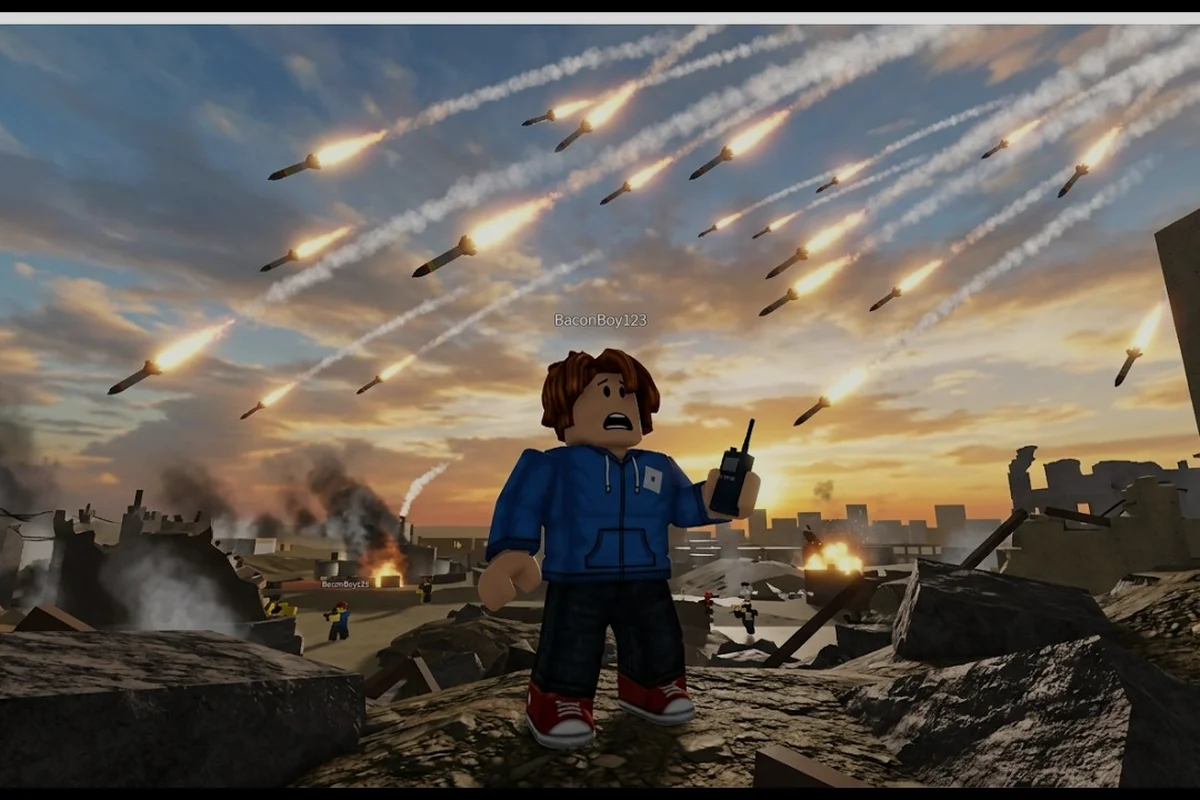
Build and Conquer Common Questions for New Roblox Players
Get quick answers to common questions on getting started, deploying troops, protecting your cities, and using V0.1 beta strategy systems.
Build and Conquer How to Connect Water Network: Roads & Power
Learn Build and Conquer how to connect water network to roads, link power, and grow your starter housing into a functioning city during the V0.1 beta.
Build and Conquer How to Form an Alliance: Setup and Perks
Master Build and Conquer how to form an alliance, share resources, and unlock cooperation perks before rival nations strike during the V0.1 beta wars.
Build and Conquer How to Get Workers: Pay and City Setup
Learn Build and Conquer how to get workers with fair wages, utility coverage, and production priorities that keep your V0.1 beta factories staffed and growing.
Build and Conquer How to Unlock Drones: Multiplayer Expansion
Master Build and Conquer how to unlock drones, expand your territory, and play with friends in multiplayer matches across the V0.1 beta servers.
Build and Conquer How to Use Military Base: Missiles & Levels
Master Build and Conquer how to use military base features, unlock your first missiles, produce steel, and level up your city during the V0.1 beta.